An Instagram carousel that explains your customer's problem
Pick a problem your audience lives with every day and let GOAT design on-brand slides. You approve every slide before posting.
 The GOAT team@goat · Recipes
3 steps
4 min
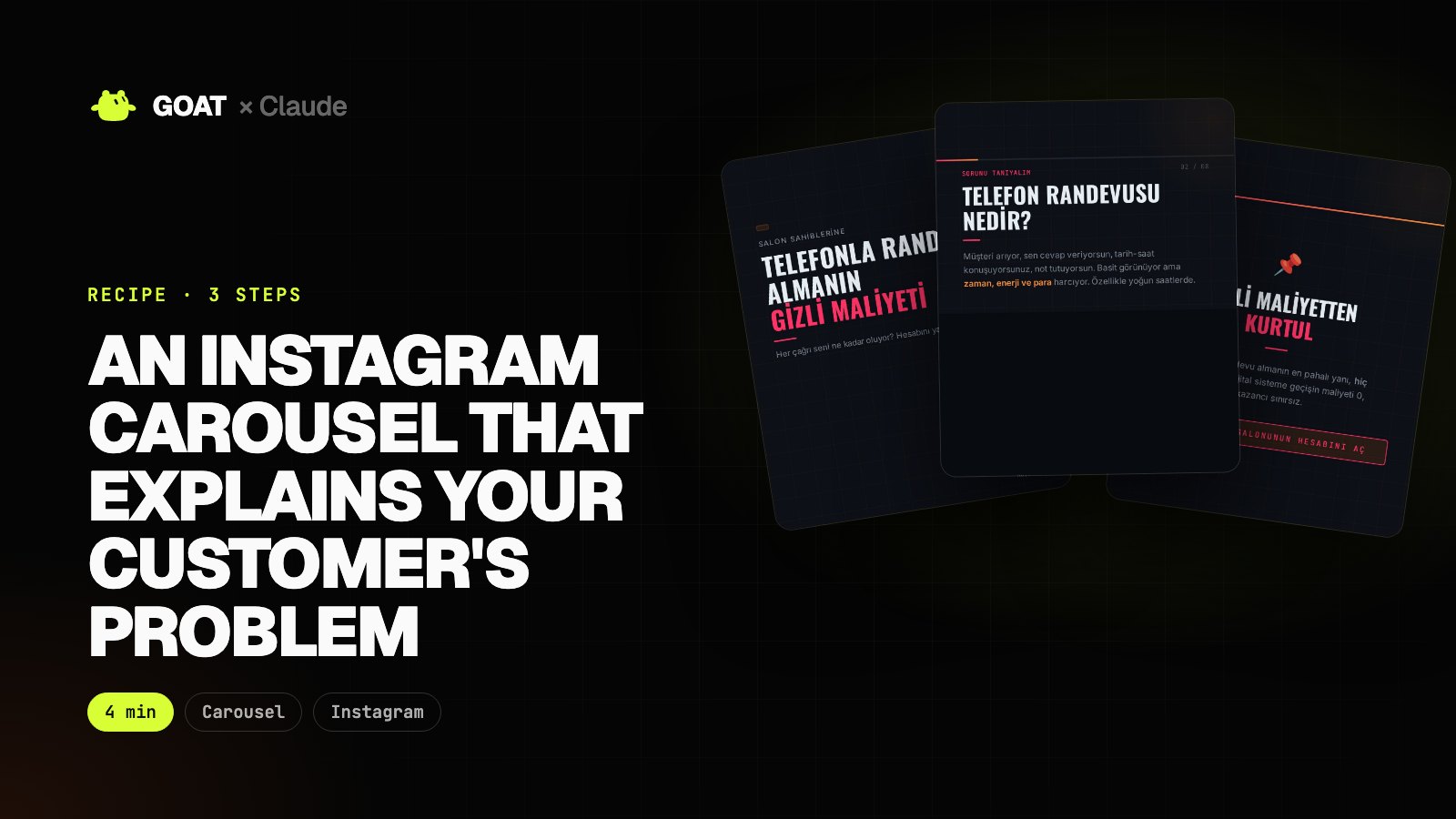
A carousel is the best way to explain the problem before the product: the reader thinks "that's me" on every slide and sees the fix on the last one.
The slides below come from a carousel GOAT made in a test account for an example agency that sells online booking to hair salons. The design and copy are GOAT's; we only picked them. The copy is in Turkish because the example business is in Izmir.
Before you start
You need
- A GOAT account and a filled-in company profile (your brand colour and product go into the slides).
- Claude Code (optional). You can also type the same prompt in the GOAT chat.
Connect GOAT to Claude
- In your terminal:
curl -fsSL https://www.thegoat.bot/cli/install.sh | bash - Then
goatbot login. You approve in the browser; GOAT is added to Claude Code automatically.
Step 1. Give the problem and the rules
What it does
- The carousel agent reads your company profile, splits the topic into slides and designs them for your brand.
- Writing the rules on numbers and quotes in the prompt makes the result trustworthy.
Give GOAT this job: make an Instagram carousel for hair salon owners. Topic: "The hidden cost of taking bookings by phone". English, 5 slides.

Rules:
- No made-up numbers, percentages or customer quotes. Instead of an unsourced statistic, ask a question ("how many times a day do you pick up the phone?").
- The first slide is one curious sentence, the last a short call to action for our booking service.

When it's done, give me the slide links and the copy of each slide.
 GOAT · Chat
Example view
- 1. Cover: "How many times did you pick up the phone today?"
- 2-4. The problem, rush hour, the client who walks away
- 5. Call to action: 24/7 booking with BookWell
Step 2. Cover and problem slide
The cover stops the scroll with one question; the second slide tells the problem through a scene from the reader's day.


Step 3. Closing slide and revisions
What it does
- The last slide points to the fix and one action.
- Describe a slide you don't like and have it rewritten.
If my latest GOAT carousel has an unsourced number or customer quote, find that slide and regenerate it with copy that asks a question instead, without numbers. Don't touch the other slides, then show me the changed slide.

The result
An on-brand carousel ready to post. You read and approve each slide's copy before posting.
Repeat the recipe every week with a different customer problem to fill your content calendar.