Your first customer list and personal email sequence with Claude and GOAT
In one afternoon: describe your company, find the right businesses, filter out chains and prepare three personal emails for each. Nothing is sent without your approval.
 The GOAT team@goat · Recipes
5 steps
7 min
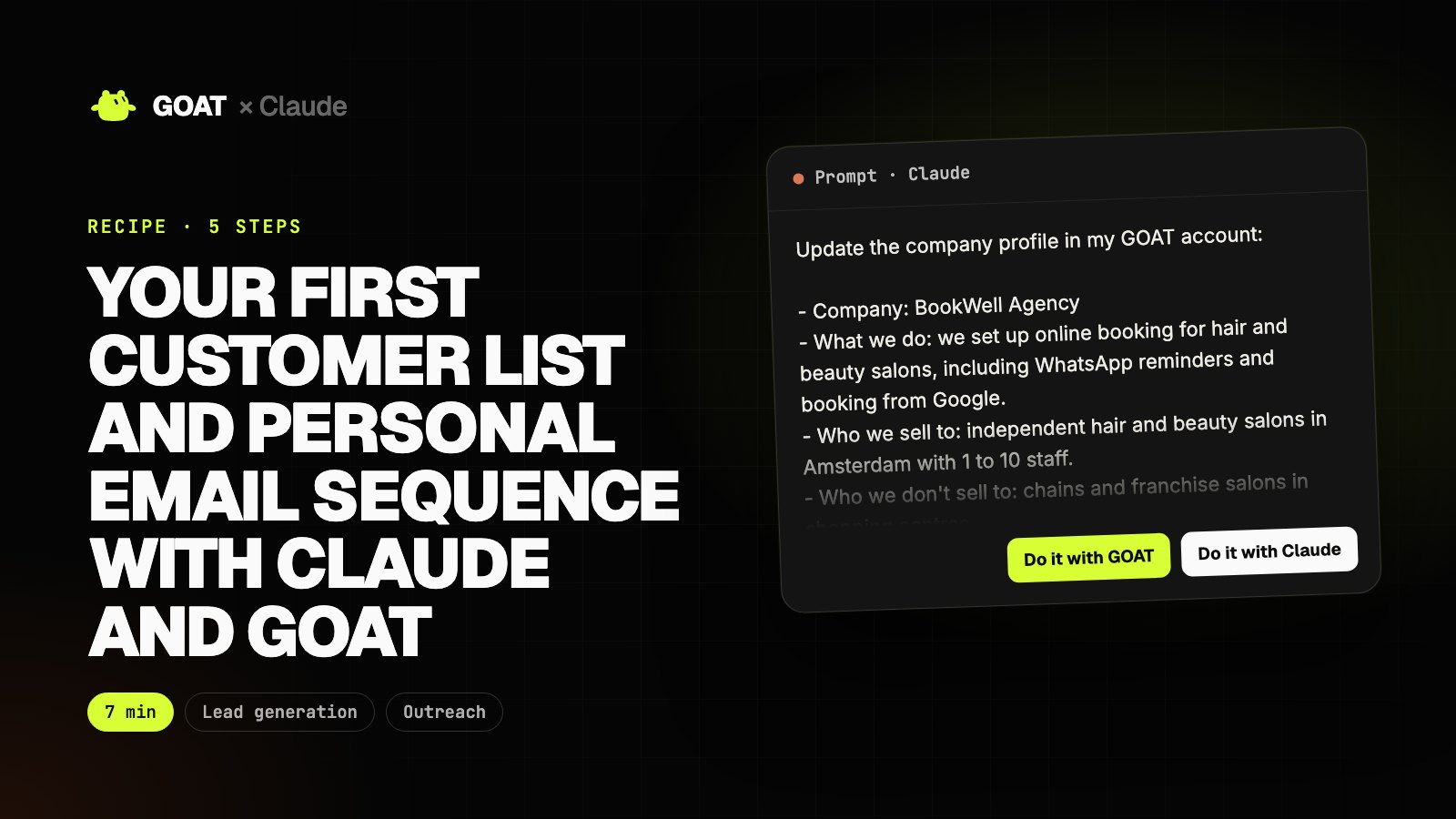
Anyone selling to small businesses gets stuck in the same place: who do I write to, and what do I say? Building a list takes days, and the emails either read like templates or never get written.
In this recipe Claude does the work and uses GOAT to do it. GOAT finds the businesses, extracts their emails, scores them and writes the sequence. Claude talks to GOAT for you, reads the results and moves to the next step.
Example business: a small agency that sells online booking to hair salons in Amsterdam. Describe your own business and the prompts work as they are.
Before you start
You need
- Claude Code (or another Claude setup with a terminal). It uses GOAT as a tool.
- A GOAT account. Jobs use your account's credits.
- Your booking link (Calendly or Cal.com). Optional, used in the last step.
Connect GOAT to Claude
- In your terminal:
curl -fsSL https://www.thegoat.bot/cli/install.sh | bash - Then
goatbot login. You approve in the browser; GOAT is added to Claude Code automatically. - Open Claude Code and ask "Are you connected to my GOAT account?". It should name your account.
Step 1. Tell GOAT about your company
What it does
- Fills in the company profile that every GOAT agent reads: what you sell, to whom, and where.
- The search and the emails in the next steps are personalised with it.
The sharper the profile, the better the list. Include your product, your price range and who it is not for.
Update the company profile in my GOAT account:

- Company: BookWell Agency
- What we do: we set up online booking for hair and beauty salons, including WhatsApp reminders and booking from Google.
- Who we sell to: independent hair and beauty salons in Amsterdam with 1 to 10 staff.
- Who we don't sell to: chains and franchise salons in shopping centres.
- Target city: Amsterdam (Jordaan, De Pijp and Oost first).
- Language: English.

After updating, summarise the profile for me and ask if anything looks missing.
 GOAT · Company profile
Example view
- Company
- BookWell Agency
- What it does
- Online booking for hair and beauty salons
- Target
- Independent salons with 1-10 staff
- Excluded
- Chains, shopping-centre franchises
- City
- Amsterdam · Jordaan, De Pijp, Oost
- Language
- English
Step 2. Find the target businesses
What it does
- Scans the map for salons in the target neighbourhoods.
- Extracts contact emails from their websites and public sources.
- The job runs in the background; Claude follows its progress.
Give GOAT this job: find independent hair and beauty salons in Amsterdam Jordaan, De Pijp and Oost and extract their emails. Leave out chains.

After starting the job, follow its status. When it's done, tell me how many businesses were found, how many have an email and why the others have none. Take the numbers only from GOAT's output.
GOAT · Chat
Example view
- Jordaan: 12 · De Pijp: 15 · Oost: 11
- 5 chain branches removed
- 9 salons have no website, phone only
When the job finishes, the results also show up in your GOAT dashboard. The numbers Claude gives you should match it.
Step 3. Filter and rank the list
What it does
- Scores each business on how well it fits your target.
- Separates chains and poor fits, and says why.
- Puts the ones that are ready for an email first.
Read the latest customer list in GOAT and give me a table: business name, neighbourhood, has email, score.

Then:
1. Move anything that looks like a chain or franchise to a separate list and say why.
2. Put the ones without an email at the end.
3. Explain in one sentence each why you picked the top 10.

Build the table from GOAT's data only; don't add businesses that aren't in the list.
GOAT · Customers
Example view
| Salon | Area | Score | Status | |
|---|---|---|---|---|
| Studio Knip | Jordaan | ✓ | 91 | Hot |
| Haarhuis De Pijp | De Pijp | ✓ | 87 | Hot |
| Salon Oost | Oost | ✓ | 80 | Warm |
| Kapsalon Lena | De Pijp | ✓ | 76 | Warm |
| Blond & Co | Jordaan | – | 62 | Cold |
| MegaCuts (mall branch) | Oost | ✓ | – | Chain, removed |
Step 4. Prepare three personal emails
What it does
- Writes a three-step sequence for each business: introduction, concrete value, final reminder.
- Uses your company profile and never invents numbers or customer results.
- Nothing is sent; the sequence waits for your approval in the dashboard.
Claude does not send any email in this step. The tools GOAT gives Claude include none that sends mail; you approve sending in the dashboard.
Give GOAT this job: write a personal three-step outreach sequence for the 10 highest-scoring salons on the list.

- Email 1: a short introduction and one booking problem you noticed on the salon's website.
- Email 2 (3 days later): the concrete benefit of online booking for that salon.
- Email 3 (7 days later): a short, polite final reminder.

Rules: friendly but professional, no email longer than 90 words, no numbers or customer results that aren't in the input. Don't send anything; the sequence waits for my approval in the dashboard.

When it's done, show me the sequence for two of the salons.
GOAT · Outreach draft
Example view
Hi Sanne,
Your site only lists a phone number for bookings; at busy times a client who can't get through may book somewhere else.
With BookWell your clients book 24/7 from Google and Instagram, and get a WhatsApp reminder. We do the setup.
Shall I show you what it would look like for your salon in a 15-minute call?
Step 5. Add your booking link and follow the replies
What it does
- Adds your booking link to the follow-up emails.
- After sending, reads your sales pipeline and inbox: who replied, who is interested.
- Updates stages only when you say so.
Set the booking link that goes into my GOAT email drafts: https://cal.com/bookwell/15min

From now on, whenever I ask in the morning: read the sales pipeline and the outreach inbox, list the salons that replied, and suggest which ones to move to the "interested" stage. Don't change any stage and don't reply to anyone until I approve.
GOAT · Pipeline
Example view
The result
At the end you have a clear company profile that GOAT knows, a scored customer list without chains, three personal emails per salon waiting for your approval, and a Claude that sums up the replies every morning.
Sending is one click: "Approve and send" in the dashboard. Recreate the same recipe for another industry or city by changing the profile in step 1.