Improve the app GOAT built for you with Claude Code, then ship it
GOAT builds your app from one sentence. Then pull the code to your computer, have Claude Code make the change you want and ship it with one command.
 The GOAT team@goat · Recipes
5 steps
6 min
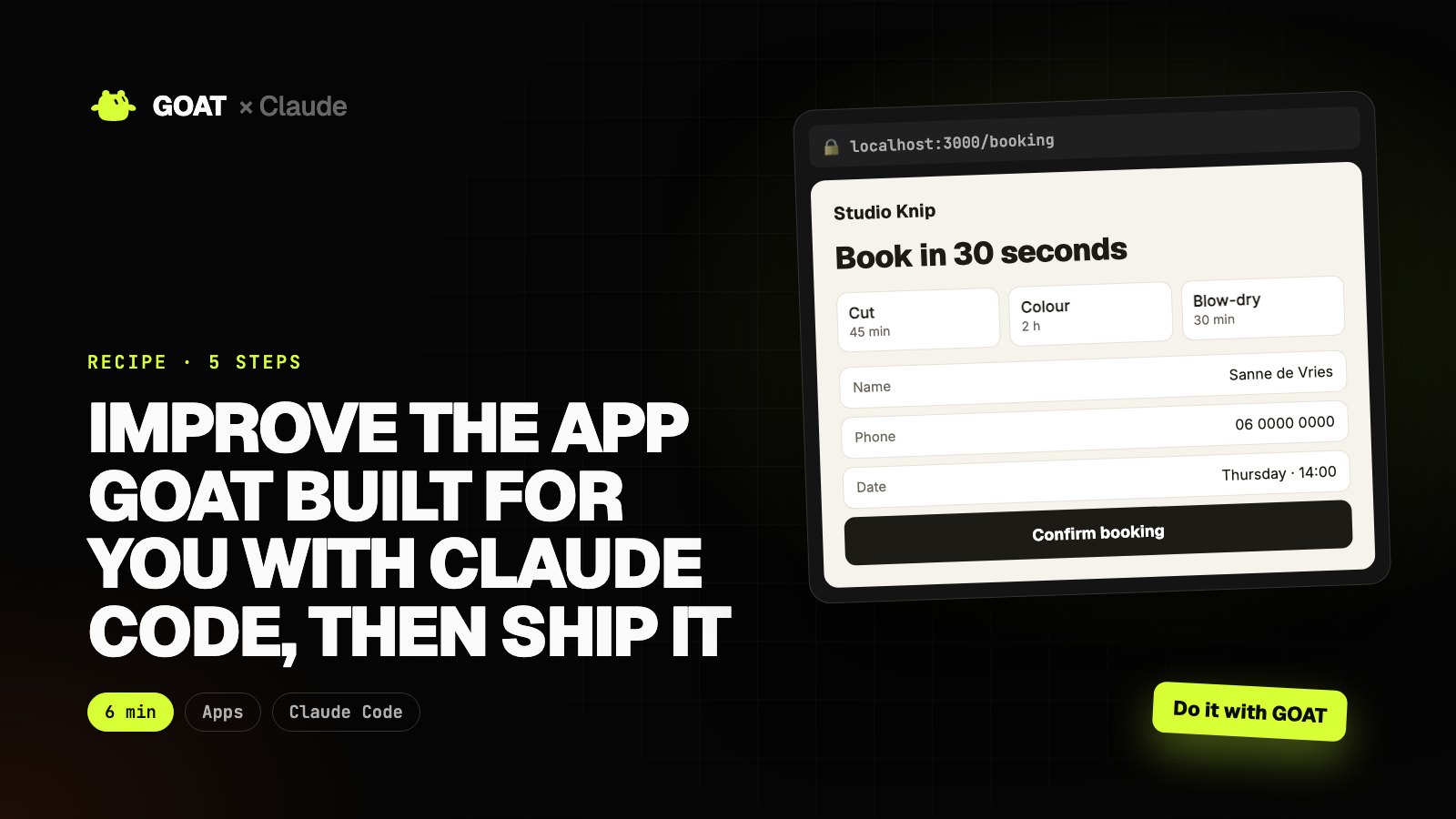
The app GOAT builds works on day one, but every business has its own needs: one more form field, a different colour, a new page. Asking for them in chat is not always enough.
In this recipe we pull the app's code to your computer and edit it with Claude Code. When the change is done, the same app updates at the same address. You don't need to know how to code; Claude Code explains what it does and you approve.
Example: on the booking page GOAT built for a hair salon, we add a phone field and fix the mobile layout.
Before you start
You need
- Claude Code and Node.js on your computer (to try the app locally).
- An app built in your GOAT account. If you don't have one, build one from the chat first.
- Deploying uses credits; check what you have left with
goatbot credits.
Connect GOAT to Claude
- In your terminal:
curl -fsSL https://www.thegoat.bot/cli/install.sh | bash - Then
goatbot login. You approve in the browser; GOAT is added to Claude Code automatically. - Check:
goatbot doctorshould show green on every line.
Step 1. Find your app and pull the code
What it does
- Lists the apps in your GOAT account.
- Downloads the code of the app you pick into a new folder and links that folder to GOAT.
List the apps in my GOAT account (goatbot apps). Find the salon booking app, pull its code into ~/goat-apps/ with goatbot app pull, then run npm install.

When you're done, tell me where the folder is, which framework the app uses and which pages it has.
$ goatbot apps
bookwell      Salon booking page        live
ledger        Client book               live
$ goatbot app pull bookwell ~/goat-apps/bookwell
✓ 48 files → ~/goat-apps/bookwell
cd ~/goat-apps/bookwell && npm install && npm run build
Step 2. Ask for the change
What it does
- Claude Code reads the code, makes the change and tells you which files it touched.
- Keeps the existing design and the language of the copy.
Describe what you want in your business's words; you don't need file names. A screenshot is the fastest way to explain.
Make these changes in this app:

1. Add a required phone field to the booking form (Dutch format, may start with 06 or +31). Store it with the booking.
2. On a phone (390 px wide) the service cards squeeze side by side; make them a single column.
3. Add the salon's Google Maps link to the footer: https://maps.app.goo.gl/example

Don't change the design or colours, and keep the copy in English. When you're done, explain in 3-4 lines which files you changed and why.
● Phone field added to the booking form (required, 06 / +31 check)
  app/booking/form.tsx · lib/booking.ts
● Service cards drop to one column below 640 px
  app/globals.css
● Google Maps link in the footer
  components/footer.tsx
3 files changed · design and colours unchanged
Step 3. Try it locally
What it does
- Runs the app on your computer.
- Checks the form and the mobile layout, and fixes anything broken.
Build the app with npm run build and fix any errors. Then run it with npm run dev and give me the address.

Try the booking form with the phone field empty and filled in, and tell me what happens. I'll check the phone layout in my browser.
 localhost:3000
Example view
Book in 30 seconds
Open the phone view in your browser's developer tools and look for yourself. Show Claude anything you don't like with a screenshot.
Step 4. Ship it
What it does
- Uploads the changed code to GOAT; GOAT builds it and publishes it at the same address.
- Shows the live address when the build finishes, or the end of the build log if it fails.
Run goatbot app deploy in the app folder and wait for the build to finish. When it's live, give me the address. If the build fails, read the log, fix the problem and try again; if it fails twice, stop and explain the error to me.
$ goatbot app deploy
Uploading 48 files (312 KB) to GOAT…
Build started · dpl_7f3a…
✓ Live: https://bookwell.thegoat.bot
Step 5. Leave a note in GOAT
What it does
- Adds a summary of the change to GOAT Notes.
- GOAT's agents know the current state of your app in later jobs.
Add a note to GOAT: a summary of today's changes to the booking app (phone field, single column on mobile, Maps link), the live address and the date. Keep it short.
GOAT · Notes
Example view
- Phone field, single column on mobile, Maps link
- Live: bookwell.thegoat.bot
- 10 November 2026
The result
Your app is updated at the same address: the phone number is stored with each booking, the page looks right on a phone and the salon's location is one tap away. The summary is in GOAT Notes.
Repeat the same loop for every change: pull, ask, try, ship.