A listings site and lead form for your real estate agency
Bring your portfolio onto one site, make listings filterable and match incoming requests automatically. Stop depending on portals.
 The GOAT team@goat · Recipes
4 steps
5 min
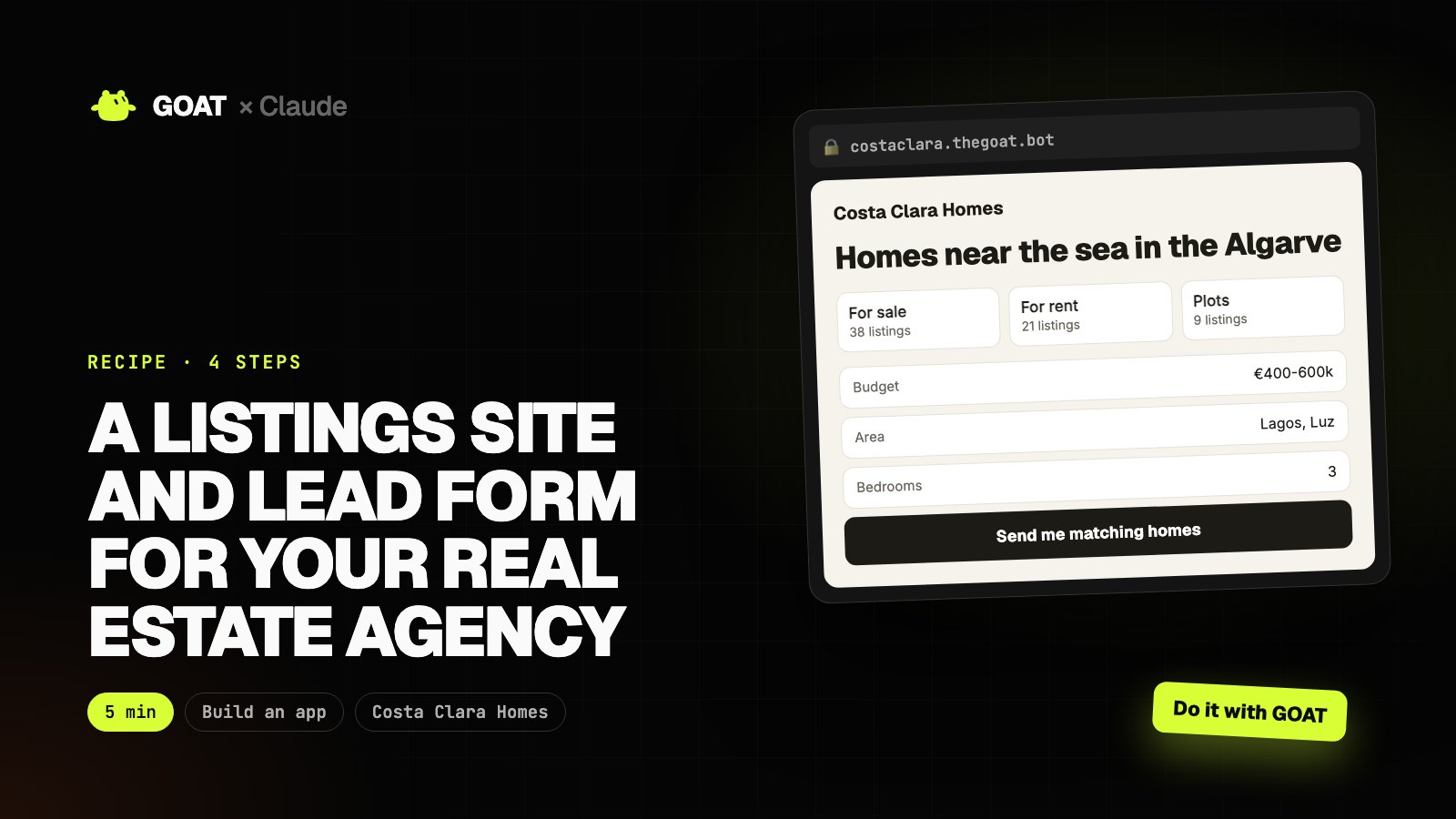
This recipe is written for a real estate agency on the Algarve, but the same steps work for any business: just describe yours.
GOAT builds and publishes the app from one prompt. Then you add any feature with Claude Code, and GOAT prepares the launch content. Every prompt has two buttons: Do it with Claude and Do it with GOAT.
Before you start
You need
- A GOAT account. Building and publishing use your account's credits.
- Claude Code (for step 2). You can do the other steps from the GOAT chat.
Connect GOAT to Claude
- In your terminal:
curl -fsSL https://www.thegoat.bot/cli/install.sh | bash - Then
goatbot login. You approve in the browser; GOAT is added to Claude Code automatically.
Step 1. Build the app with GOAT
What it does
- Turns your request into pages, data and design.
- Builds the app and publishes it at its own address.
Build a listings site for my real estate agency.

- Agency: Costa Clara Homes, Algarve
- Listings: for sale, for rent, plots; photo gallery, map, m², bedrooms, price
- Filters: area, price range, bedrooms, distance to the sea
- "Send me matching homes" form: budget, area, bedrooms
- "Ask on WhatsApp" button on every listing
- English and Portuguese
 GOAT · Chat
Example view
- Pages, database and admin dashboard set up
- Mobile-friendly and bilingual
costaclara.thegoat.bot
Example view
Homes near the sea in the Algarve
Step 2. Tailor it with Claude Code
What it does
- Pulls the code to your computer, adds the features you want and ships with one command.
First run goatbot app pull costaclara in your terminal, and goatbot app deploy when you're done. In between, tell Claude Code:
Make these changes on this site:
1. Match incoming requests against current listings and prepare an email draft with the matches for each request (don't send).
2. Add a "similar homes" section to the listing page.
3. Add a currency switcher between EUR, GBP and USD.
Keep the design, and explain the changed files when you're done.
● Match incoming requests against current listings and prepare an email draft with the matches for each request (don't send)
● Add a "similar homes" section to the listing page
● Add a currency switcher between EUR, GBP and USD
$ goatbot app deploy
✓ Live: https://costaclara.thegoat.bot
costaclara.thegoat.bot
Example view
Homes near the sea in the Algarve
Step 3. Publish and share
What it does
- Prepares share links, QR codes and short announcement copy.
Write short posts for Instagram and WhatsApp status for the 5 newest listings on my site, each with the listing link.
GOAT · Chat
Example view
- https://costaclara.thegoat.bot
- Print-ready PDF
- Announcement copy
Step 4. Let GOAT launch it
What it does
- Content, ad creative or a customer list: gets the app in front of people.
- Nothing goes out without your approval.
Make an ad image for buyers from abroad: "Your home by the Atlantic, from search to keys". The Algarve, the sea, a calm sense of luxury.
GOAT · Chat
Example view
The result
In one afternoon you have a live app for Costa Clara Homes, features added just for you, a share kit and launch content.
Use the same recipe for your business: just change the business details in the step 1 prompt.