A membership and class booking app for your studio
Members see the timetable, book a spot and track their pack. You see occupancy and renewals on one screen.
 The GOAT team@goat · Recipes
4 steps
5 min
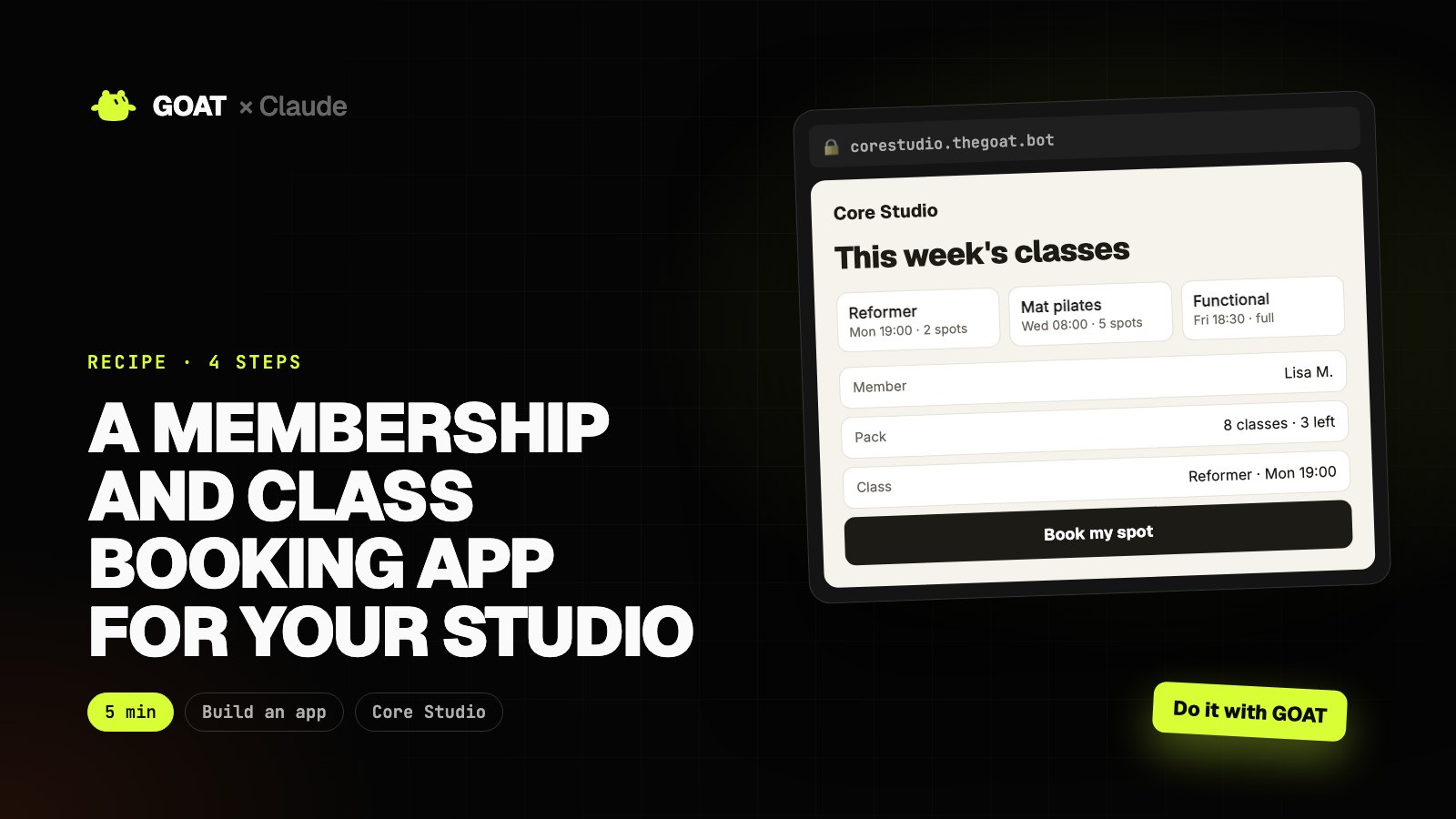
This recipe is written for a pilates and functional training studio in Utrecht, but the same steps work for any business: just describe yours.
GOAT builds and publishes the app from one prompt. Then you add any feature with Claude Code, and GOAT prepares the launch content. Every prompt has two buttons: Do it with Claude and Do it with GOAT.
Before you start
You need
- A GOAT account. Building and publishing use your account's credits.
- Claude Code (for step 2). You can do the other steps from the GOAT chat.
Connect GOAT to Claude
- In your terminal:
curl -fsSL https://www.thegoat.bot/cli/install.sh | bash - Then
goatbot login. You approve in the browser; GOAT is added to Claude Code automatically.
Step 1. Build the app with GOAT
What it does
- Turns your request into pages, data and design.
- Builds the app and publishes it at its own address.
Build a membership and class booking app for my studio.

- Studio: Core Studio, Utrecht; reformer pilates, mat pilates, functional training
- Weekly timetable with capacity per class
- Member login: pack (4, 8, 12 classes), classes left, booking and cancelling (12-hour rule)
- Waiting list: the next person is notified when a spot opens
- Admin dashboard: occupancy, finished packs, renewal reminders
 GOAT · Chat
Example view
- Pages, database and admin dashboard set up
- Mobile-friendly and bilingual
corestudio.thegoat.bot
Example view
This week's classes
Step 2. Tailor it with Claude Code
What it does
- Pulls the code to your computer, adds the features you want and ships with one command.
First run goatbot app pull corestudio in your terminal, and goatbot app deploy when you're done. In between, tell Claude Code:
Make these changes in this app:
1. Prepare a renewal reminder draft for members with fewer than 2 classes left (don't send).
2. Add an instructor page: each instructor's classes and a short intro.
3. Show occupancy on class cards by colour (green, yellow, full).
Keep the design, and explain the changed files when you're done.
● Prepare a renewal reminder draft for members with fewer than 2 classes left (don't send)
● Add an instructor page: each instructor's classes and a short intro
● Show occupancy on class cards by colour (green, yellow, full)
$ goatbot app deploy
✓ Live: https://corestudio.thegoat.bot
corestudio.thegoat.bot
Example view
This week's classes
Step 3. Publish and share
What it does
- Prepares share links, QR codes and short announcement copy.
Prepare my app's member sign-up link and a short announcement for current members: booking now happens in the app, how to log in, and the cancellation rule.
GOAT · Chat
Example view
- https://corestudio.thegoat.bot
- Print-ready PDF
- Announcement copy
Step 4. Let GOAT launch it
What it does
- Content, ad creative or a customer list: gets the app in front of people.
- Nothing goes out without your approval.
Make a 15-second vertical promo video for Core Studio: picking a class and booking a spot on a phone, ending with "first class free".
GOAT · Chat
Example view
The result
In one afternoon you have a live app for Core Studio, features added just for you, a share kit and launch content.
Use the same recipe for your business: just change the business details in the step 1 prompt.